

Once in a while when I am doing deep research on my phone (playing a game) I get an ad that says “Locate your property – most Accurate way” or something down those lines. So I was wondering what happens after you give a potential client a proposal to survey their property and they think “I bet there is an app that can do it for less”.
This is a partial list of apps that I found that may imply to the general public that they can do their own survey. I first asked, “What app will help me set my property corners”, then I just asked, “How do I find my property lines”. Both queries brought up apps that imply some sort of ability to know where your property is. The second query also brought up a YouTube done by a realtor testing the apps for “accuracy”. More on that later. These apps love the term “accuracy” without for the most part explaining what they mean by that.
Both searches came up with a number “Best of “apps, but I limited my viewing to those apps that maybe implied that a homeowner could use this to either find or mark their corners. Only one really pushed the boundary (I am told that was an unintended pun) of indicating that it could be used to accurately determine property lines.
I did not test any of these apps, as I don’t think the public, or surveyors for that matter should be using them for any sort of boundary analysis. Many have other features that could benefit land surveyors or realtors or appraisers, but I don’t think those features would necessarily benefit the homeowner.
It seems to be implied that these maps are absolute in their “Accuracy” of boundary locations. As best I can tell, the way you determine your property corner is to walk with your phone until your positional dot lines up with the corner of the parcel line
They all like to say they have a huge parcel database, which of course is a database of assessor parcel maps. It seems to be implied that these maps are absolute in their “Accuracy” of boundary locations. As best I can tell, the way you determine your property corner is to walk with your phone until your positional dot lines up with the corner of the parcel line shown on a map or more commonly google image. The creators seem to be smart enough not to give you a distance and direction to your corner.
All the ones I have listed, as best I can tell have both San Luis Obispo and Santa Barbara County “parcels” updated within the last year. I suspect most of them are using the same assessor database provider. To be clear, there are many more apps that come up when you do a search like I did. I just got tired of looking at these at some point.
LandGlide
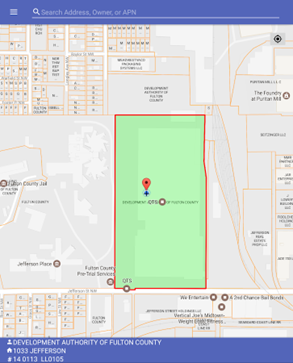
“LandGlide provides easy access to property data and parcel boundary lines.” Per their website. Their FAQ provides this: “How accurate are the parcel lines in LandGlide®?”,” The parcel lines within our database are fairly accurate. The property lines are not intended to represent actual recently surveyed property lines and are not recommended to use for legal purposes. Counties will rely on deeds and plats of record regarding disputes in the property lines. If you are concerned about the parcel lines displayed in LandGlide®, please reach out to us at support@landglide.com with the county and state in question.”
The cost is basically $10/month or $100/year – Both Android and Apple
Land id.
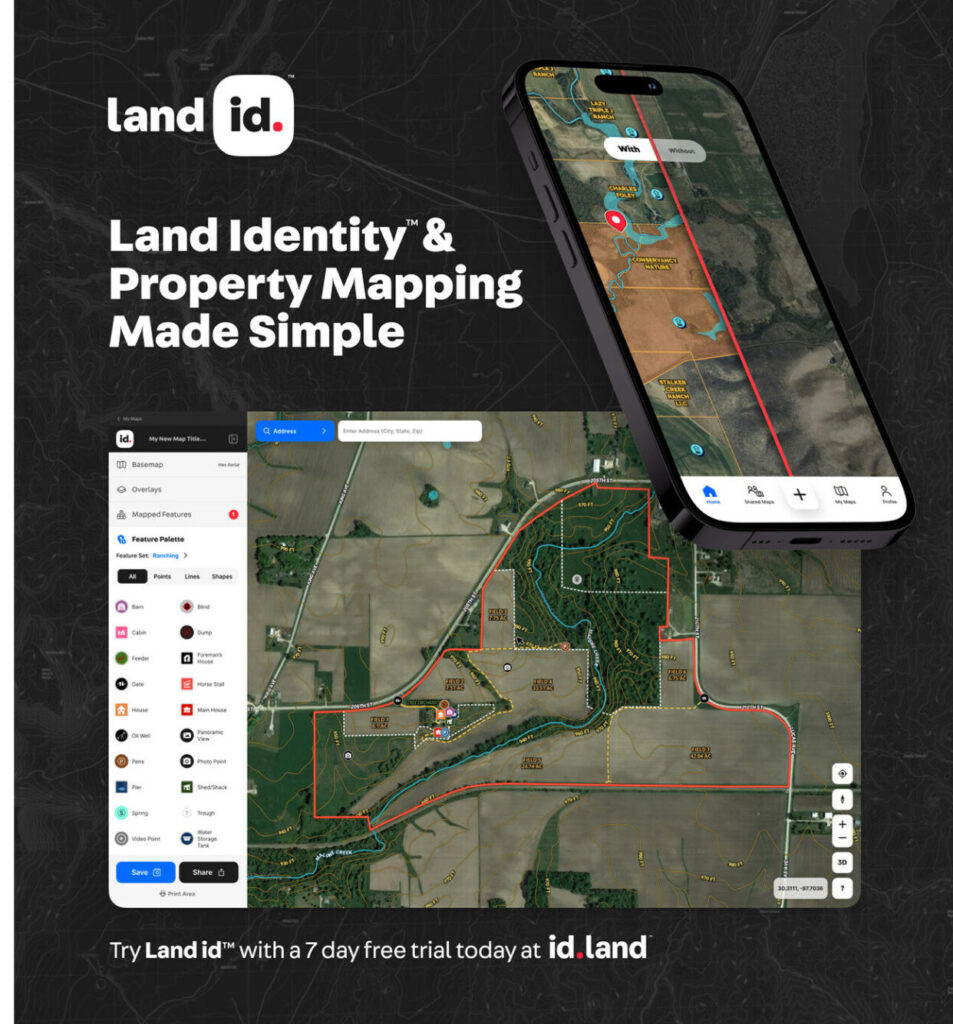
From their webite: “The Most Accurate Boundaries”, “Get Precise Land Info”, “View the most comprehensive and accurate parcel boundary set in the market and access nationwide property data with Land id”
They really push this as more of a data collection system then a layout your boundary app, but again they will show you where you are relative to these “Boundary” lines.
Cost Basic $6.67/month Pro 33.33 per month
Both Android and Apple
OnX Hunt
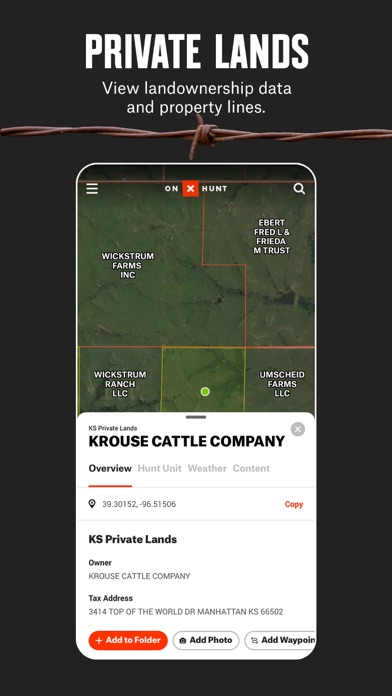
From their website: “Locate Property Lines and View Landowner Information”,”Knowing who owns the land you stand on is invaluable. With the onX Hunt App, you can see property boundaries and landowner information throughout the United States and, in Canada, you can view property lines where available. Know where you stand—and where you can and cannot hunt—with the Hunt App.”
Designed for hunters. Indicates to get the most accurate property lines for any US state. It does indicate that “Understand where you can and can’t hunt, and be certain about where you are standing in relation to nearby property lines so you remain legal. ”
Has ownership information and what land is available for hunting, as well as a number of items important to hunters.
One state $35/yr all states $100/year Both Android and Apple
Regrid
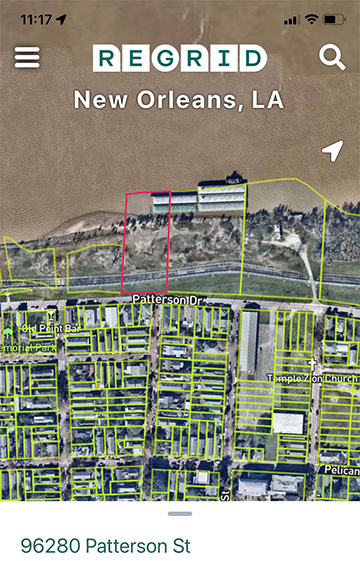
From their website: “Parcel data at your fingertips”,”Enjoy instant access to Regrid’s property information and geographic insights on your phone and in your browser. We built it to be frictionless, so jump right in.”
Regrid pushes their ability to provide large variety of data on parcels, and seems to go out of their way to not imply you can use it to establish your corners. However, it does allow you to put your phone GPS on the “property” corners on their app.
$10 /month Android and Apple
GIS Surveyor – Land Survey and GIS Data Collector
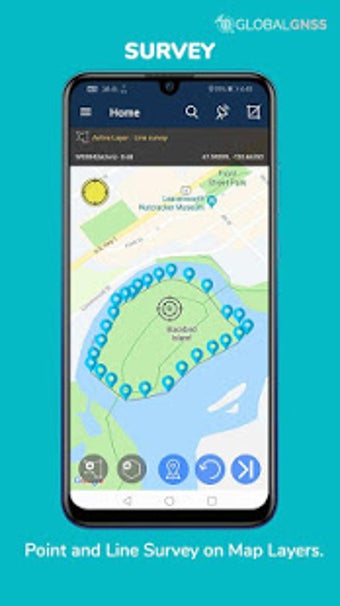
Only found on the app store. It says that it can be used for all sorts of surveys, including boundary and construction surveys. It says that it can connect to rtk systems (I am assuming through Bluetooth). It has a low rating, many comments about how confusing to use. It is from a large geospatial/utility support company, so it may have been developed as an in-house app that they are trying to expand.
It has a subscription cost to it, but I could not find out anywhere what that was. – Android
Find Property Lines and Corners with your cell phone
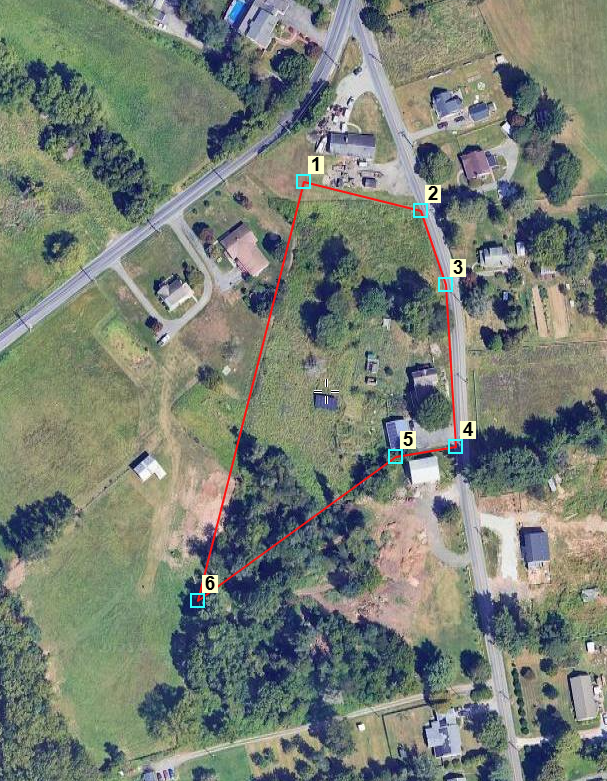
This is a little different from the previous. You send in your legal description or a survey of your property as well as the address and APN. They will then send you an email with a link to an image that you can load into your phone of your property along with the corner locations. The image at the top says “Not a Survey”. In their terms they are clear it is not a survey and they hope to be within 30 feet of the actual corner.
The basic cost is $75 but can be more
YouTube – How to Find the Property Lines of Any Home (version 3). By Mark Sheller
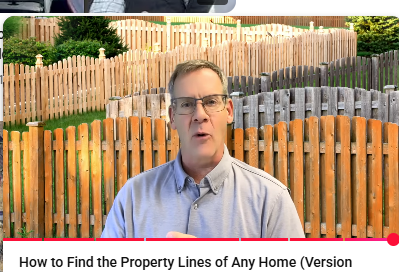
Mark is a Realtor that has a number of YouTube videos, including a number about boundaries. The one listed above was comparing the quality of three of the apps listed above. He at the end has a surveyor actually survey the site (It was a property he had on the market, so I suspect he didn’t pay for it). Then he compares his locations to the surveyed location. That is all well and good. In his conclusion he talks about boundary disputes and says for any legal need use a licensed surveyor. Then he goes on to say that the problem with having a licensed surveyor is the cost and the time delay to get the survey completed. He continues to say that there are many DIYer’s out there that just want an approximation of their property lines and he feels that is a right of any land owner to do their own “approximation”. In the background he showing fences along property lines, which to me would imply these apps might be okay to use to build your fence.
Conclusion
I think that property owners can get a lot of useful information from many of these apps. It does allow the general public to easily get information that otherwise would require them to go to various departments of their City or County, or at least search their websites.
The problem is that there are a lot of DIYer’s out there that go to YouTube or search Google on how to perform various tasks. I myself have done a couple of surgeries on my leg using YouTube. If someone searches how to set my property corners, they are going to find all these apps, that will make them think they can do that on their own. If they just use it to clear weeds, that is great. If they use it to build a fence, a driveway or retaining wall, that is going to cause a problem. As a surveyor, it is going to be harder to explain to the client why their phone app didn’t do what they thought it could do because a) they are using “GPS” and b) they have the most accurate parcel maps.
Good luck to you all!

Leave a Reply